What Makes a Dark Web Website Different
A dark web website, or onion service, is hosted on the Tor network and accessed through the Tor Browser. Unlike a regular website with a domain name like example.com, an onion service has an address that looks like a random string of characters followed by .onion. These addresses are generated cryptographically and are not registered with a central authority.
Onion services use end-to-end encryption by default, meaning the Tor network itself cannot see the content you are viewing. The server operator also remains hidden from your internet service provider and from network observers. This architecture makes onion services useful for journalists, activists, and whistleblowers in countries with heavy censorship, but it also attracts illegal marketplaces and forums. The technical design does not determine the content; the people running the service do.
Prerequisites Before You Start Touring
Before you attempt to access any dark web website, you need the Tor Browser, which is the only safe way to connect to the Tor network. Download it only from the official Tor Project website, never from a mirror or third-party source, because malicious versions exist.
You also need a device you can dedicate to this activity, ideally one that is not used for banking, email, or other sensitive accounts. Many security researchers recommend using a virtual machine or a live operating system like Tails, which leaves no trace on your hard drive. Disable JavaScript in the Tor Browser settings, as it can leak your real IP address. Turn off plugins and extensions. Keep your operating system and all software fully updated. These steps are not optional if you want to maintain anonymity.
The Mechanics of Accessing an Onion Address
To tour a dark web website, you need its .onion address. These addresses are not searchable on Google or any regular search engine. They circulate through forums, encrypted messaging groups, and specialized directories. Once you have an address, open the Tor Browser and paste it into the address bar, just as you would with a regular URL.
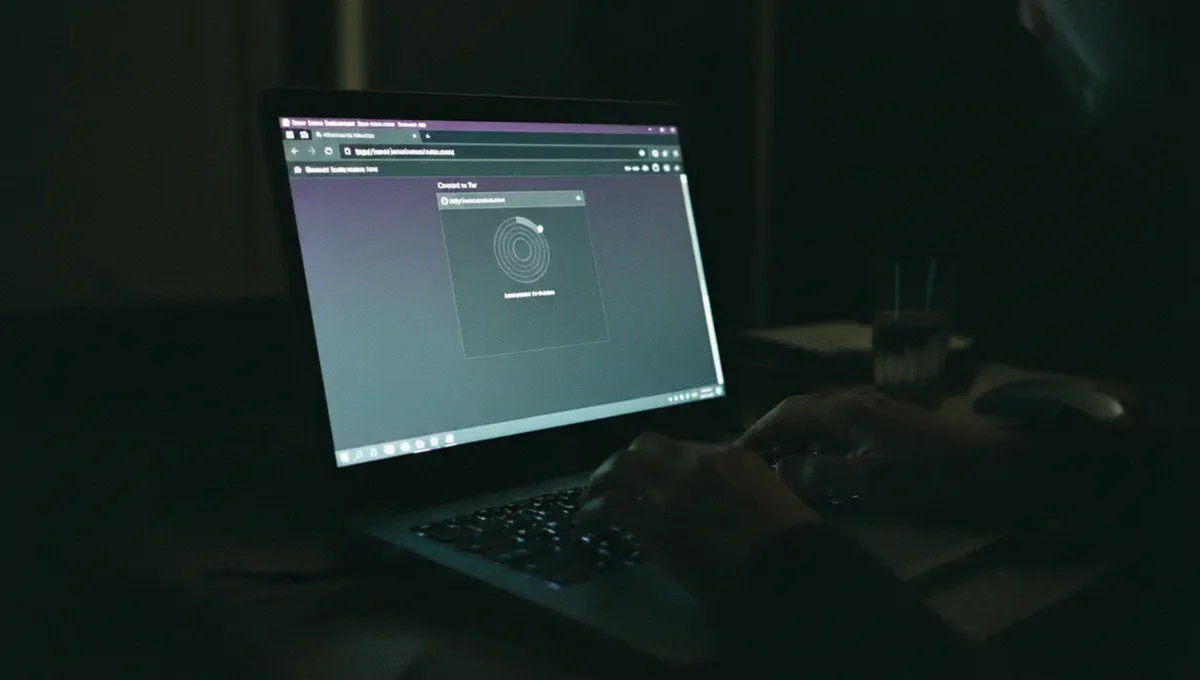
The Tor Browser will route your connection through multiple relays before reaching the onion service. This process takes a few seconds longer than a normal website load. The first time you visit a new onion address, the connection may be slow or time out. This is normal. If a site does not load after 30 seconds, try again. Some onion services are intentionally slow or go offline frequently. A failed connection does not mean the address is fake; it may simply mean the server is down or overloaded.
Recognizing Phishing Clones and Fake Addresses
The biggest threat when touring dark web websites is landing on a phishing clone or a scam site masquerading as a legitimate one. Because onion addresses are random and meaningless, there is no way to verify that an address is authentic just by looking at it. Criminals register similar-looking addresses and copy the layout of popular sites to trick users into entering credentials or sending cryptocurrency.
To verify a real onion address, look for a PGP-signed announcement from the site operator. The official Tor Project documentation and reputable security researchers publish verified addresses for major onion services. Never assume an address is real because someone posted it in a forum or on Reddit. Always cross-reference with multiple sources. If you are visiting a marketplace or forum for the first time, assume it could be a clone until you verify it through an official channel. This single habit prevents most phishing losses.
What Happens When You Tour a Dark Web Website
When you load an onion service, you will notice it looks like a regular website, often with a forum layout, a marketplace interface, or a news site design. The visual appearance tells you nothing about legality or trustworthiness. Some onion services are run by journalists and human rights organizations; others host illegal goods and services.
Many dark web websites require you to create an account and log in. Do not reuse usernames or passwords from your regular internet life. Use a unique, random username and a strong password generated by a password manager. Some sites require you to solve a CAPTCHA or wait through a timer before accessing content, as a basic spam filter. Others ask for a deposit or proof of funds before you can browse. These friction points are intentional; they discourage casual visitors and law enforcement scrapers. Treat any request for money or personal information with extreme skepticism.
Reality Layer: How the Ecosystem Actually Works
The Tor Project documentation confirms that onion services are designed for privacy and censorship resistance, not for illegal activity. However, the anonymity they provide has made them a target for criminal operations. Law enforcement agencies, including the FBI and Europol, have successfully infiltrated and seized major dark web marketplaces by identifying server operators through traffic analysis, cryptocurrency tracking, and informants.
According to public law-enforcement press releases, most dark web websites that appear to be active are either honeypots (sites run by law enforcement to catch criminals), scams (operators who take deposits and disappear), or compromised by multiple threat actors simultaneously. Security vendor incident reports show that users who tour these sites face malware infections if they download files, credential theft if they log in with weak passwords, and financial loss if they send cryptocurrency to unverified addresses. The Tor network itself is secure, but the websites hosted on it are not inherently trustworthy. This matters because it means touring a dark web website carries real personal risk, not just theoretical legal risk.
Common Mistakes That Compromise Your Safety
The most dangerous mistake is maximizing your browser window. The Tor Browser deliberately uses a standard window size to prevent websites from detecting your screen resolution and using it to fingerprint you. If you resize it, you become easier to identify and track across sites.
Another critical error is opening multiple tabs and visiting different sites in the same session. If one site is compromised or runs malicious code, it can potentially see traffic from other tabs. Keep each visit isolated. Close the Tor Browser completely between sessions. Do not assume that a site is safe because it has been online for months or has thousands of users. Popular sites are often the first targets for infiltration. Never enable plugins, download files unless absolutely necessary, or click on embedded media without understanding what it is. Do not take screenshots of onion sites or share them on social media, as this can deanonymize both you and other users.
When and Why People Tour Dark Web Websites
People tour dark web websites for legitimate reasons: journalists researching criminal networks, security researchers studying malware distribution, academics studying online anonymity, and activists accessing uncensored information in restrictive countries. These users need to understand the technical landscape without becoming victims.
Others tour out of curiosity, wanting to see what the dark web actually looks like. This is understandable, but curiosity without preparation is how people get infected with malware or scammed. If you are touring purely for education, stick to news sites and forums that discuss security topics. Avoid downloading anything. Do not engage in transactions. Do not create accounts on marketplaces. Treat it as observation, not participation. The best dark web website for learning is one that does not require you to interact with it beyond reading text.
Next Steps: Tour Safely or Stay Away
If you decide to tour a dark web website, do so with a clear purpose and a realistic threat model. Ask yourself why you are doing this and what you stand to lose if something goes wrong. If the answer is curiosity alone, the risk probably outweighs the benefit. If you have a legitimate reason, follow every precaution outlined here: use Tor Browser from the official source, verify addresses through multiple channels, keep your system updated, use unique credentials, and assume every site could be a scam or a honeypot.
Start by reading the Useful Resources page on this site, which links to verified onion addresses for news organizations and security projects. These are low-risk places to practice using the Tor Browser and understand how onion services work. Once you are comfortable with the mechanics, you can make an informed decision about whether to tour other sites. The key is moving from blind curiosity to deliberate, informed action.
Frequently Asked
Is it illegal to tour a dark web website
Accessing the Tor network and viewing onion services is legal in most countries. However, the legality of specific content you encounter depends on local law. Viewing illegal marketplaces or child exploitation material is a crime. Touring a news site or forum for information is not. Your location and the content you access determine the legal risk, not the act of using Tor itself.
Can I get hacked just by visiting a dark web website
Yes, if you download files, enable plugins, or maximize your browser window. A compromised onion service can serve malware or attempt to exploit browser vulnerabilities. The Tor Browser is hardened against many attacks, but it is not invulnerable. Keeping JavaScript disabled, avoiding downloads, and using an updated operating system significantly reduce this risk.
How do I know if a dark web website is real or a scam
Look for PGP-signed announcements from the site operator on verified channels. Cross-reference the .onion address with multiple independent sources. If you cannot verify it, assume it is a phishing clone or a scam. Never trust an address just because someone posted it on Reddit or a forum. Real sites publish their addresses through official communication channels.
What should I do if I accidentally visit an illegal site
Close the Tor Browser immediately and do not interact with the content. Simply viewing a page is not a crime in most jurisdictions. If you are concerned, disconnect from the internet, restart your device, and consult a lawyer in your country if you believe you are at legal risk. Do not download anything or create an account.
Can my internet service provider see that I am using Tor
Your ISP can see that you are connecting to the Tor network, but they cannot see which onion sites you visit or what you do on them. Some countries block Tor entirely or require special permission to use it. Check your local laws before connecting. Using a VPN before Tor adds another layer, though this is debated among security experts.